How to Access the Knowledge Base
Last updated: April 10, 2026
The Hanover Park knowledge base requires a quick login to access. Use your firm email address — it takes 30 seconds.
How to Log In
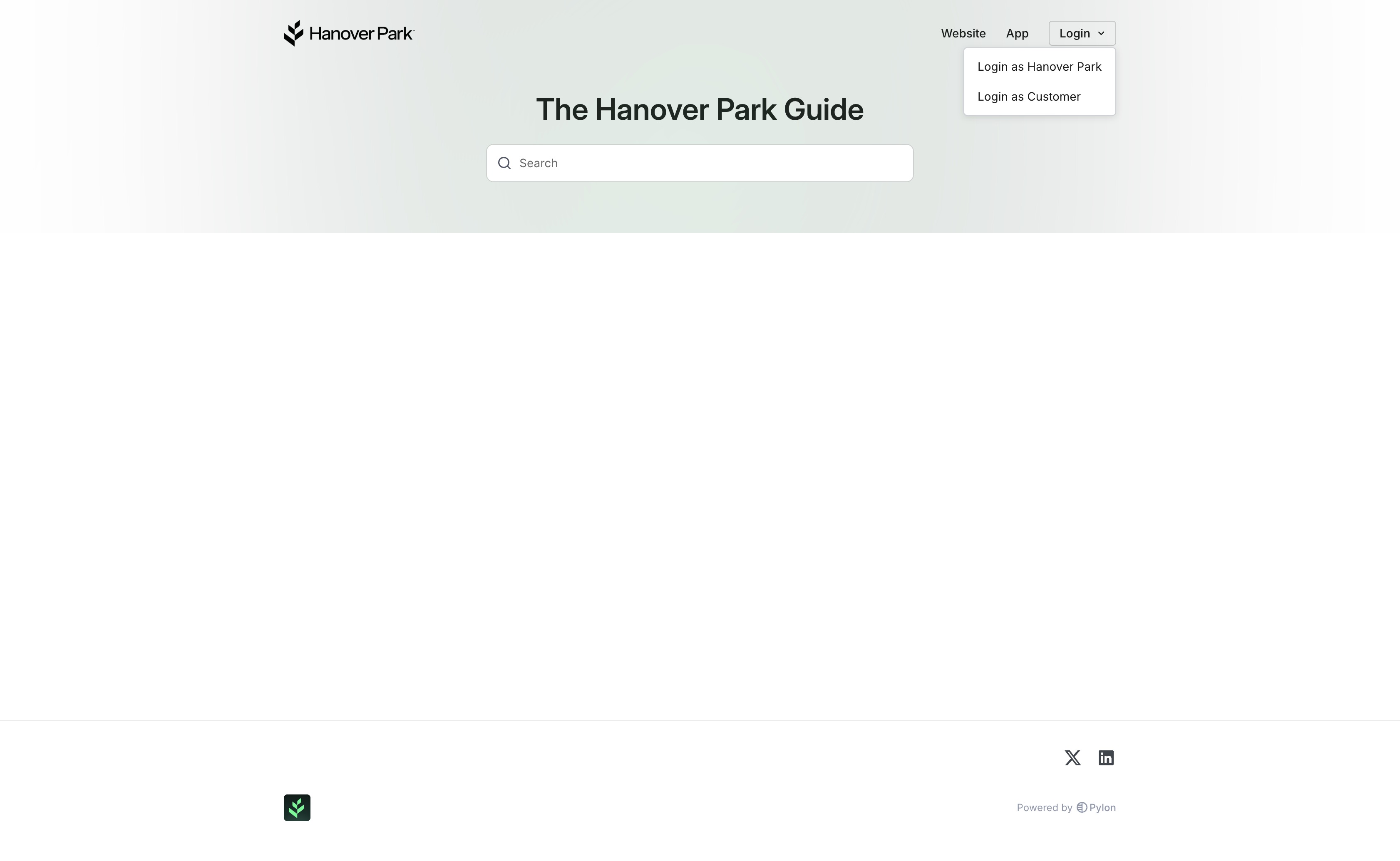
Go to support.hanoverpark.com
Click "Log in as customer"
Enter your firm email address (the same email you use for Hanover Park)
Check your inbox for a verification link and click it
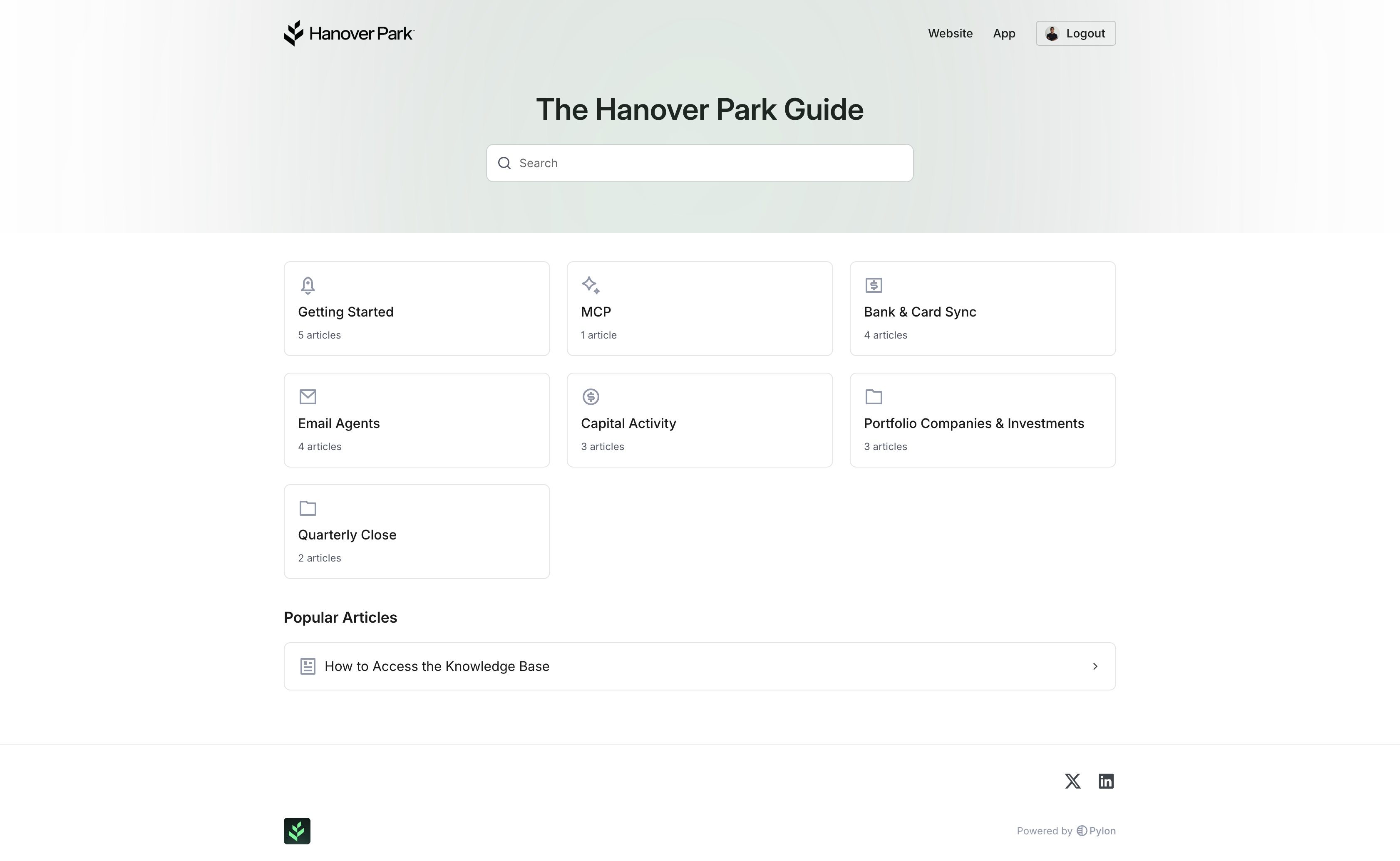
You're in — full access to all articles
You only need to do this once per device or browser.
Which Email to Use
Use your firm email address — the one associated with your Hanover Park account (e.g., jane@yourfirm.com). Personal email addresses (Gmail, Yahoo, etc.) won't work unless that's the email on file with your fund.
If you're not sure which email to use, ask your team or email support@hanoverpark.com.
Can't Log In?
Double-check you're using your firm email, not a personal address
Check your spam or junk folder for the verification email
Still stuck? Reach out on Slack or email support@hanoverpark.com