When Hanover Park Asks for a Code
Last updated: October 2, 2026
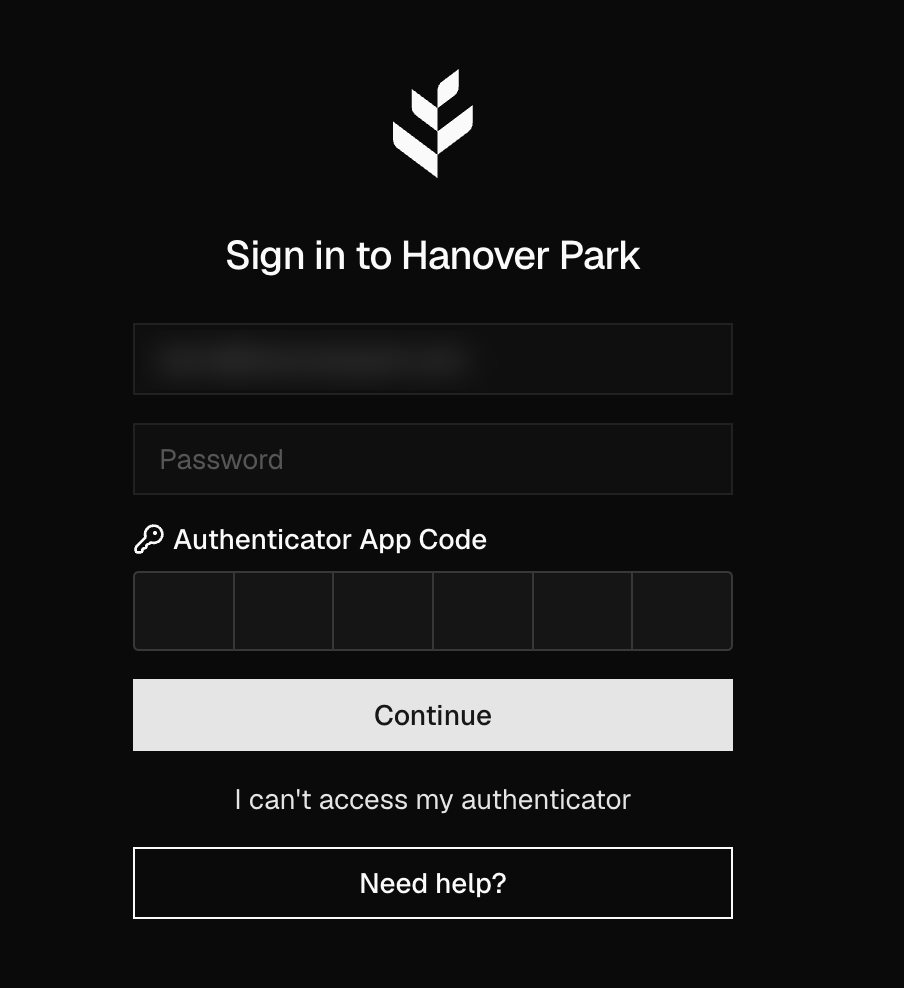
At sign-in. If you have an authenticator, Hanover Park asks for a code from it every time you sign in. Enter the 6-digit code from your app in Authenticator App Code and click Continue. If you don't have one yet, you can choose Set up 2FA later, and you'll be asked again the next time you sign in.
Before sensitive actions. Even when you're signed in, Hanover Park asks for a code from your authenticator before sensitive actions like paying bills or changing wire instructions. If you haven't set one up, you'll be asked to at that point.
Only a code from your authenticator counts. A code emailed to you never does. If you've lost your authenticator, click I can't access my authenticator and use your recovery key instead.