Your Recovery Key
Last updated: October 8, 2026
When you set up your first authenticator, Hanover Park gives you a recovery key. If you ever lose your authenticator, the key signs you in instead, without contacting support.
The key is shown once. Click Copy or Download, keep it somewhere safe and separate from your authenticator (a password manager works well), tick I have saved this key, then click Continue.
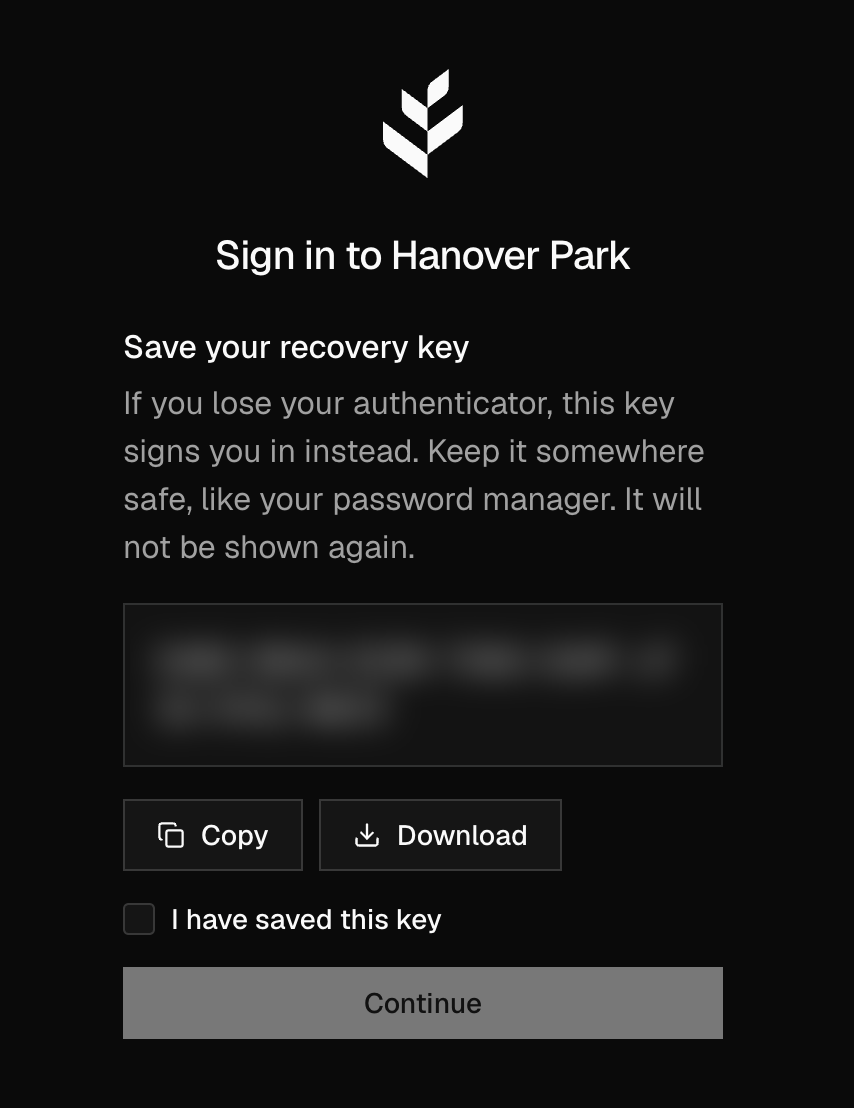
Hanover Park will never ask you to send us your recovery key.
Sign In With Your Recovery Key
Sign in with your email and password.
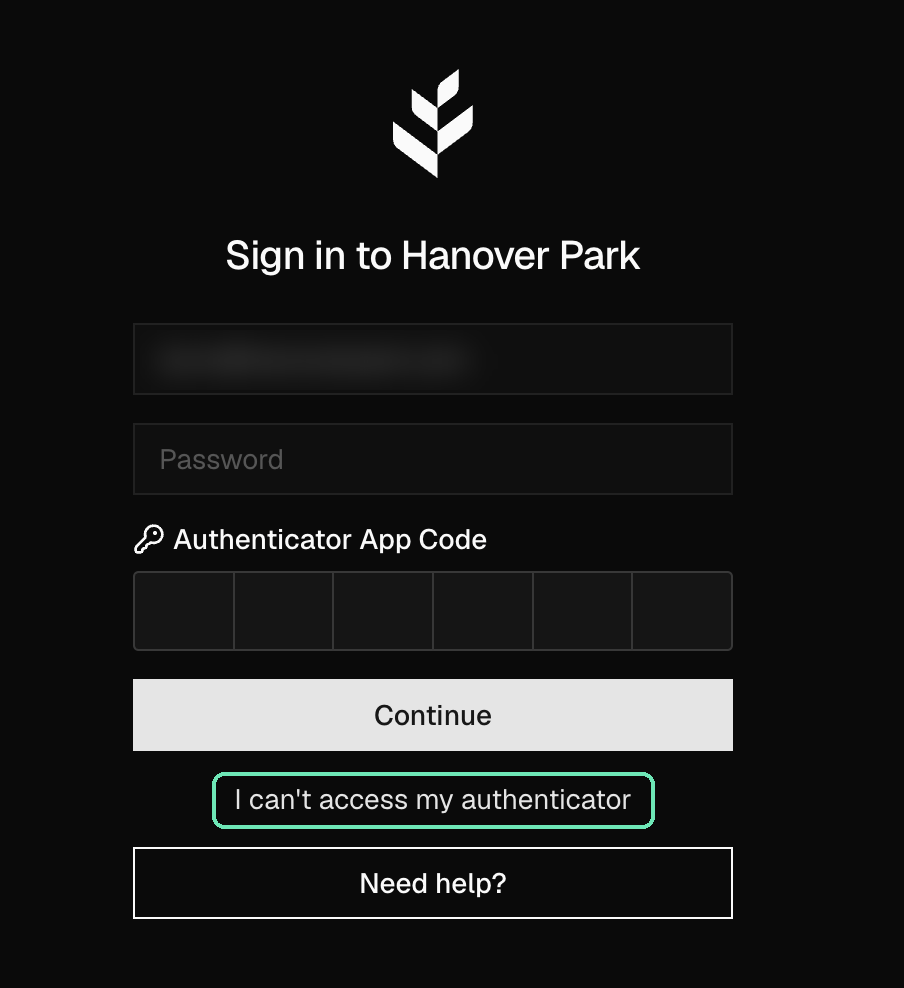
On the authenticator step, click I can't access my authenticator.
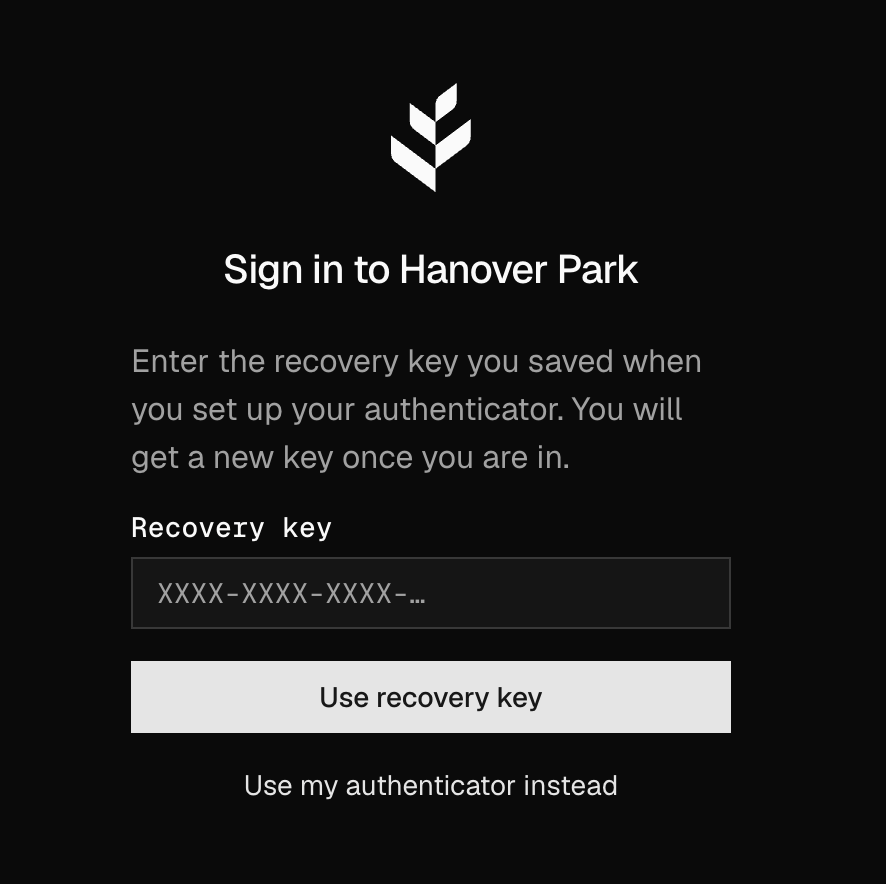
Enter your key in Recovery key and click Use recovery key. (Found your authenticator after all? Click Use my authenticator instead.)
You're signed in, and Hanover Park shows you a new recovery key. Save it the same way. Your old key stops working.
Your authenticators aren't changed, so if you find your phone later, it still works.
A key that has already been used, an old key, or a mistyped key is refused with the same message.
Don't Have a Recovery Key Yet?
If you set up your authenticator before recovery keys existed, you don't have one. You can create one two ways:
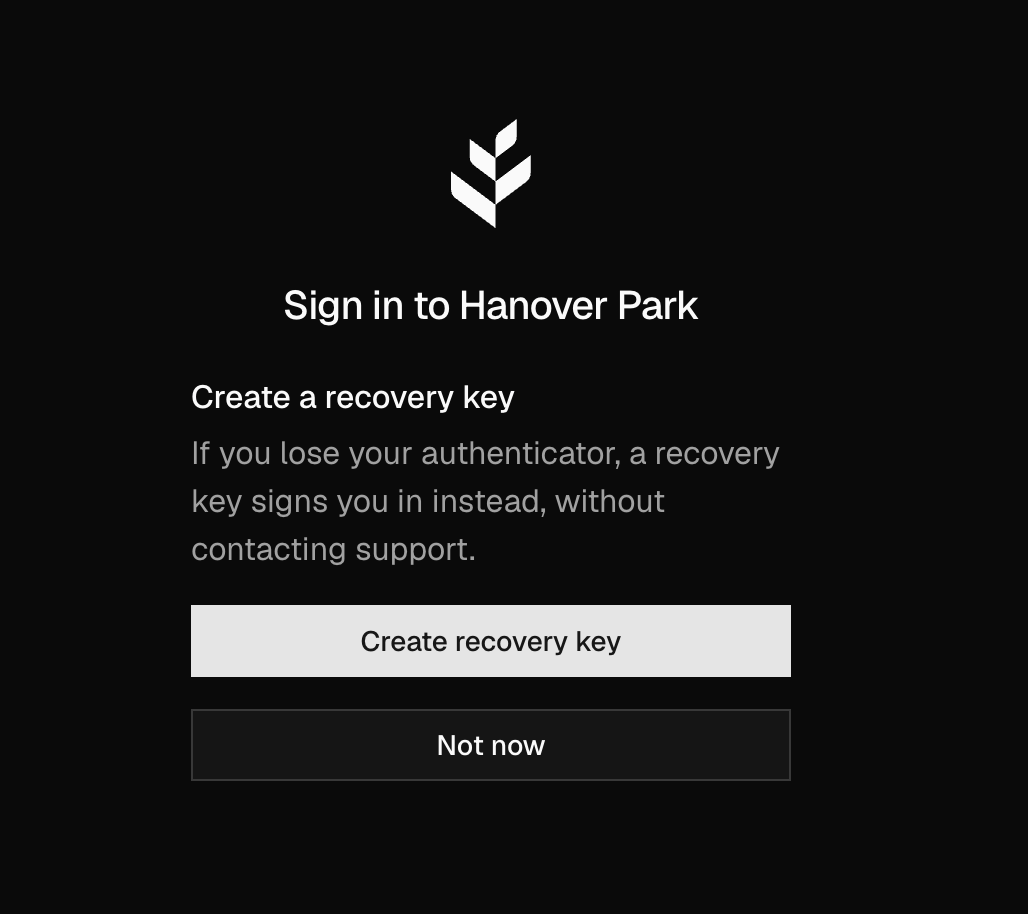
At sign-in. After you enter your authenticator code, Hanover Park offers to create one. Click Create recovery key, or Not now to be asked again in 30 days.
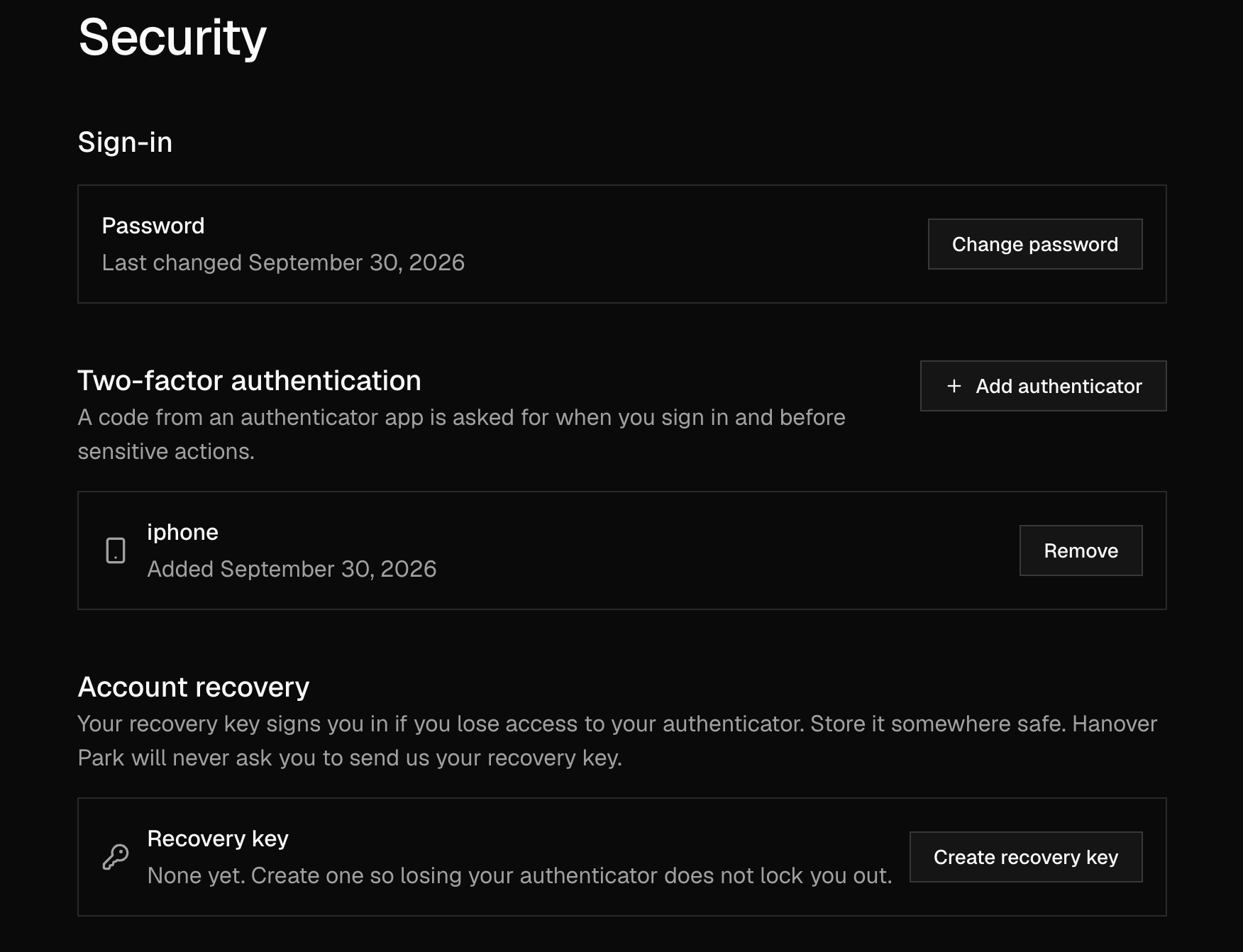
From Settings. Go to Settings → Security. Under Account recovery, your recovery key shows None yet. Click Create recovery key.
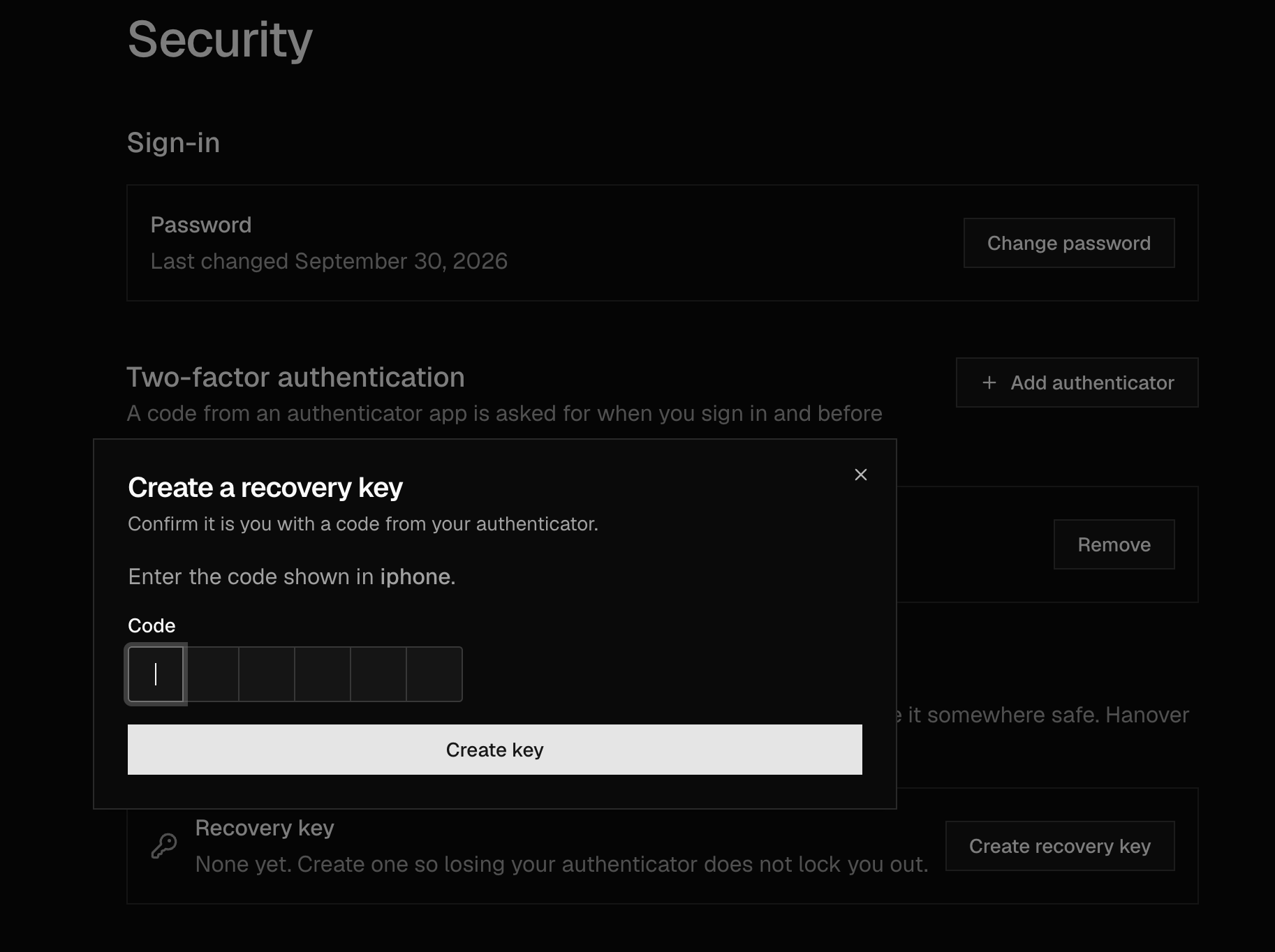
Enter a code from your authenticator and click Create key, then save the key you're shown.
Replace Your Recovery Key
Replace your key if you think someone else has seen it, or if you've lost the copy you saved.
Go to Settings → Security → Account recovery.
Choose to replace your key, then enter a code from your authenticator.
Save the new key. The old one stops working.
If you remove your last authenticator, your recovery key is removed with it.