Locked Out: No Authenticator and No Recovery Key
Last updated: October 2, 2026
If you've lost your authenticator, try your recovery key first. It signs you in without support.
If you've lost both, email support@hanoverpark.com from the email address you sign in with. Hanover Park support will confirm it's you and reset your authenticator.
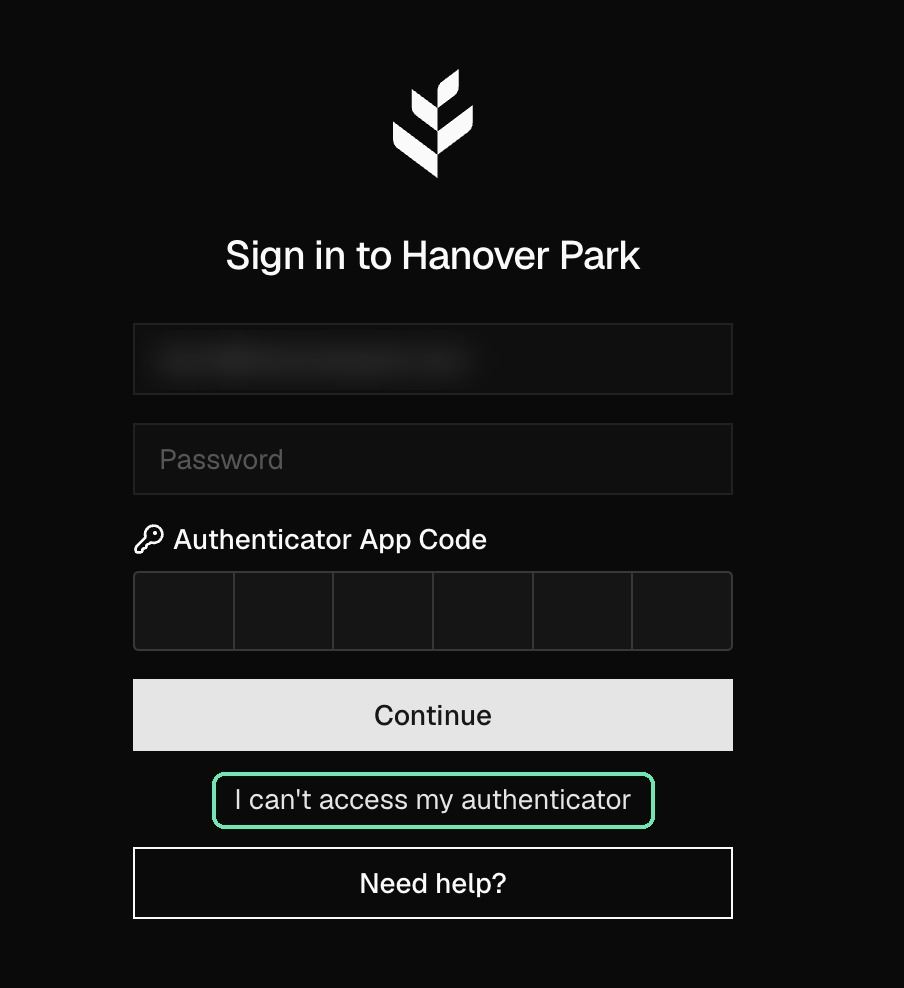
After the reset:
Sign in with your email and password.
Set up a new authenticator when asked.
Save the new recovery key you're shown. It's shown once.
To avoid getting locked out again, add a second authenticator, such as a password manager, alongside your phone.