Resetting a Forgotten Password
Last updated: October 8, 2026
If you've forgotten your password, you can reset it from the login page.
On the login page, enter your email address, then click Forgot password?
Click Email me a reset link.
Open the email "Reset your Hanover Park password" and click Choose a new password.
Click Continue.
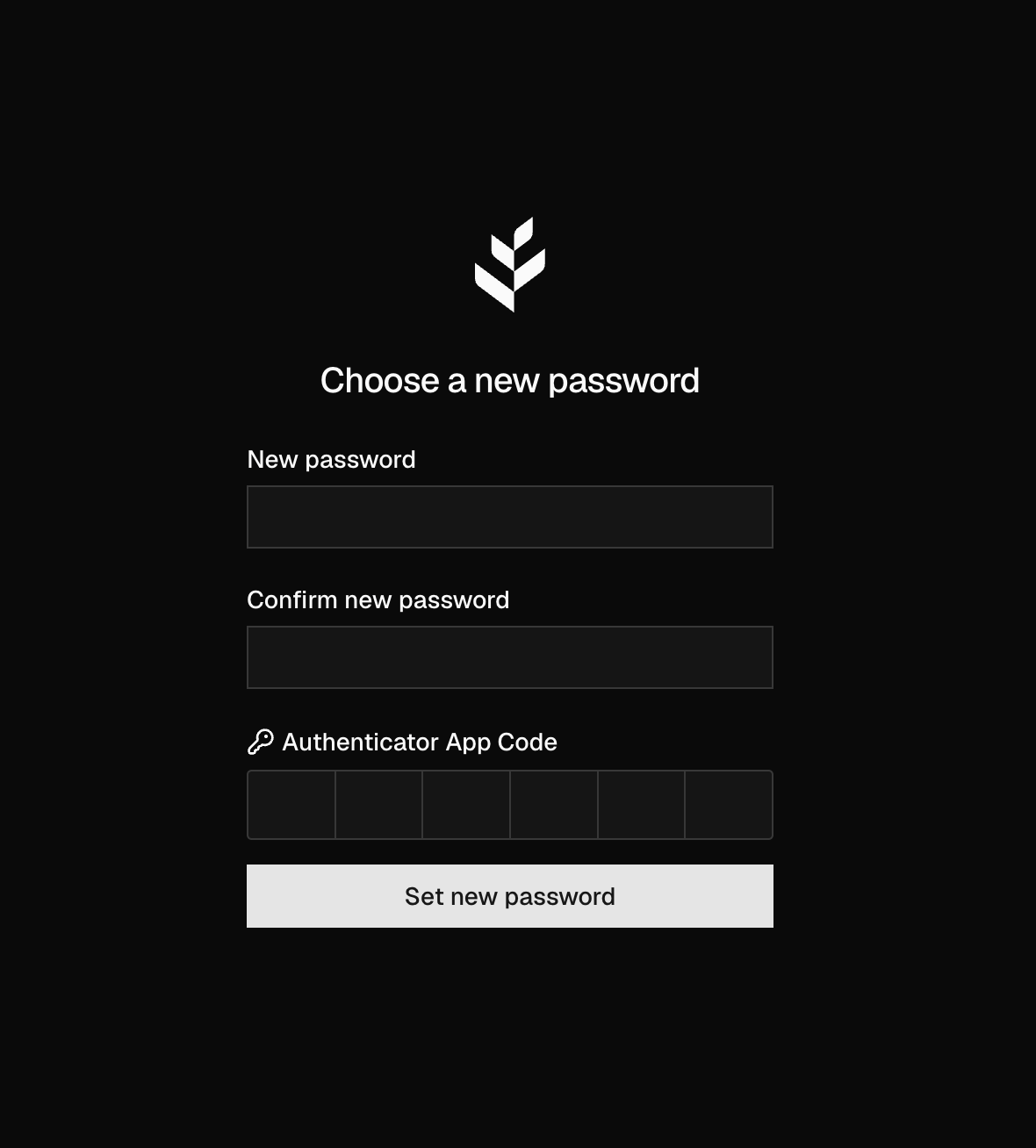
On Choose a new password, enter your New password and Confirm new password.
If you have an authenticator set up, enter the 6-digit code from it in Authenticator App Code.
Click Set new password.
The link works once and expires after 15 minutes. If it has expired, request a new one.
Resetting your password doesn't remove your authenticator. You'll need a code from it to reset your password and the next time you sign in.